

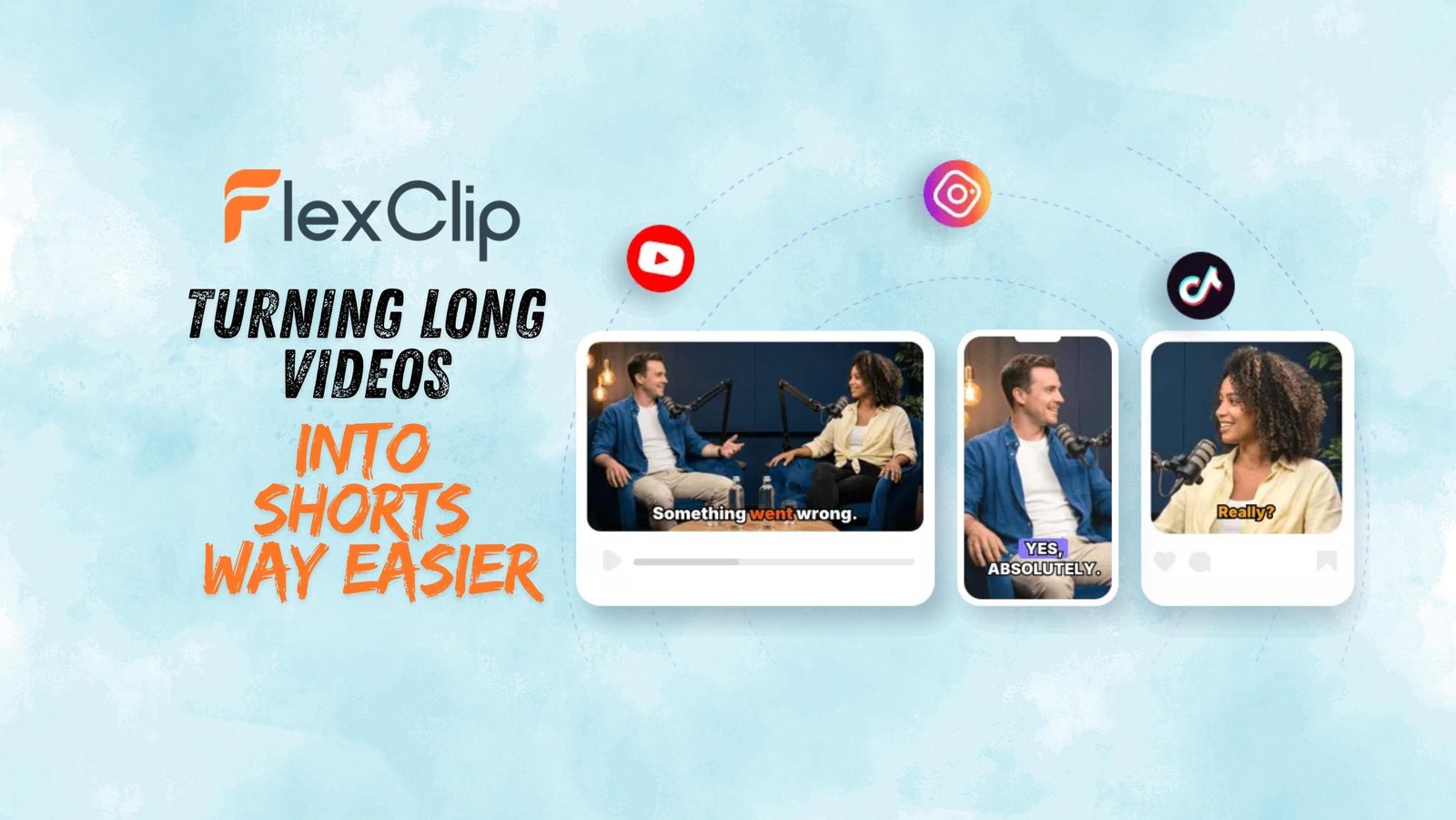

FlexClip Just Made Turning Long Videos Into Shorts Way Easier
If you’ve ever recorded a long webinar, podcast, or livestream, you probably know the struggle that comes after, turning hours of footage into short clips for TikTok, Instagram Reels, or YouTube Shorts.
Honestly, that part alone can feel like a full-time job.
Table of Contents
FlexClip recently launched a new AI tool called the AI Long to Short Video Converter, and I got a chance to try it out. After testing it for a bit, here’s what I genuinely think.
What is it, exactly?
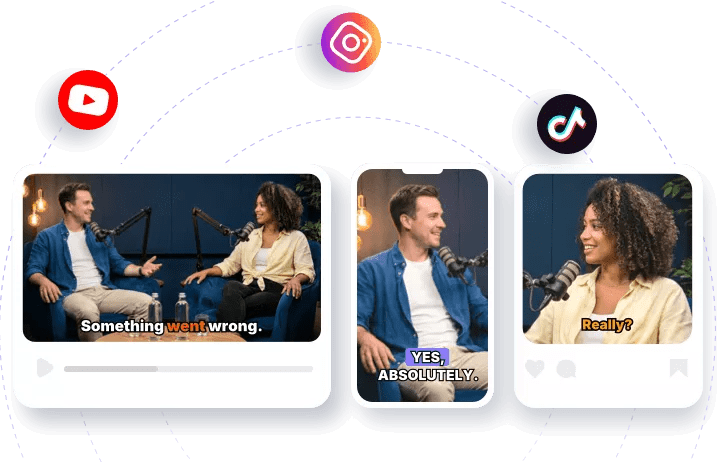
The idea is pretty simple. You upload a video or paste a YouTube link, and the AI scans through the content, finds interesting moments, turns long Videos into shorts vertical clips, adds subtitles, and basically prepares them for social media automatically.
At first, it sounded a little too convenient, so I wanted to see if it actually worked well in real use.

One thing I liked right away is that it supports videos up to 2 hours long and works with common formats like MP4 and MOV. So you don’t really have to worry much about compatibility.
The features that actually stood out
The highlight detection was surprisingly decent. Instead of making random cuts, the AI tries to pick moments that actually feel important or engaging.
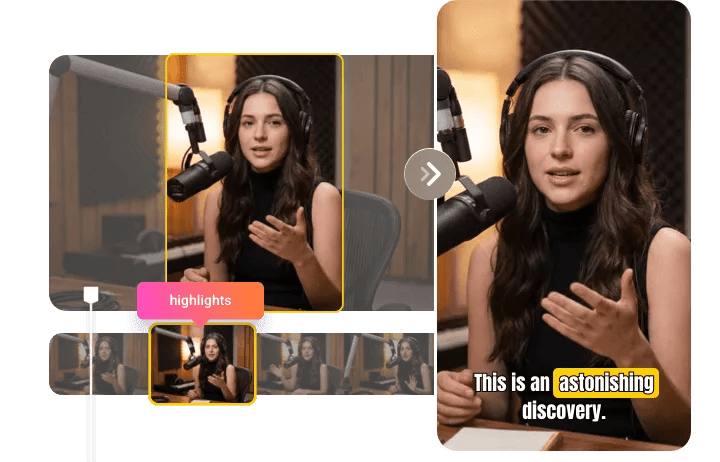
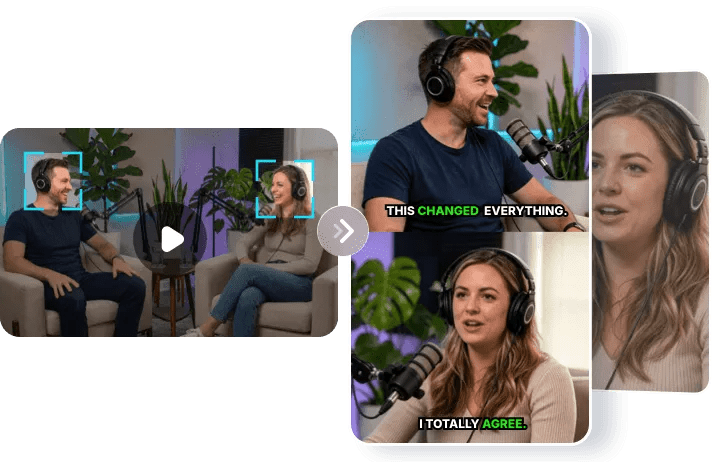
The speaker tracking was also impressive. If there’s more than one person talking, it keeps the active speaker centered and even switches layouts when needed. That makes podcast clips look much cleaner.
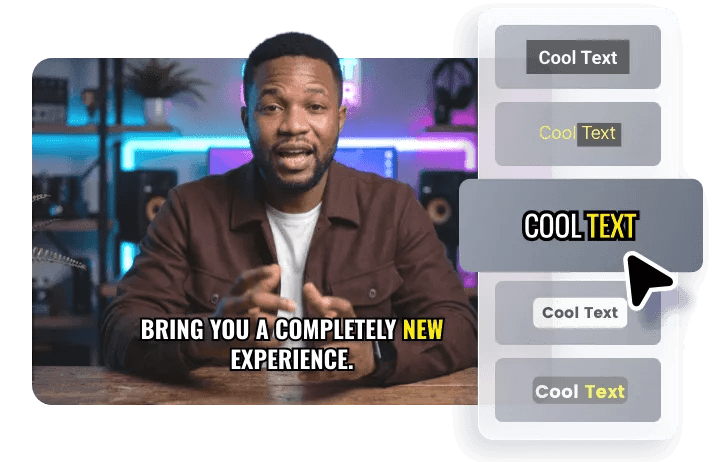
Subtitles are added automatically too, and they sync pretty well with the speech. There’s even a translation option if you want to post content for different audiences.
Another useful feature is the direct publishing option. You can connect platforms like YouTube or LinkedIn and upload clips without leaving the tool. It even suggests captions for you.
Who is this actually built for?
I can honestly see this helping a lot of people.
YouTubers, podcasters, educators, livestreamers, small brands, basically anyone creating long-form content regularly.
If you’re trying to stay active on short-form platforms but don’t have time to edit everything manually, this saves a huge amount of effort for converting long videos into shorts.
It’s not going to completely replace a professional editor, but it easily handles most of the repetitive work.
How to use it – step by step
Using it is pretty straightforward:
- Upload your video or paste a YouTube link.
- Let the AI process everything. It automatically converts the video into vertical clips and generates multiple short moments.
- Review the clips, make edits if needed, then publish directly to your platforms.
The built-in editor is actually useful
One thing I appreciated is that you’re not locked into whatever the AI creates.
After the clips are generated, you can still trim sections, adjust subtitles, rearrange scenes, add branding, and make manual edits inside FlexClip’s editor.
That’s important because AI still misses sometimes. Occasionally the best moment in a video isn’t the one the AI chooses first. Having editing controls built in makes fixing those things easy.
Final thoughts
Repurposing content usually takes way more time than people expect. Cutting clips, resizing videos, adding subtitles, and uploading everywhere gets exhausting fast.
FlexClip makes that whole process much easier and you’ll still want to review the clips before posting them. But for creators, small businesses, or anyone trying to get more value out of existing content, it’s genuinely helpful.


Leave a Comment